Custom Sticker Printing
Use the bulk ordering options below to place an instant order
For bespoke sticker printing requests, use the quote form
Orders are shipped within 5 working days
Up to 5 different designs per order
Bulk Ordering Options
-
50 Gloss Vinyl Stickers
Regular price From £39.48 GBPRegular price -
100 Gloss Vinyl Stickers
Regular price From £63.67 GBPRegular price -
200 Gloss Vinyl Stickers
Regular price From £66.34 GBPRegular price -
500 Gloss Vinyl Stickers
Regular price From £74.16 GBPRegular price -
1000 Gloss Vinyl Stickers
Regular price From £85.60 GBPRegular price -
1500 Gloss Vinyl Stickers
Regular price From £97.04 GBPRegular price -
2000 Gloss Vinyl Stickers
Regular price From £107.53 GBPRegular price

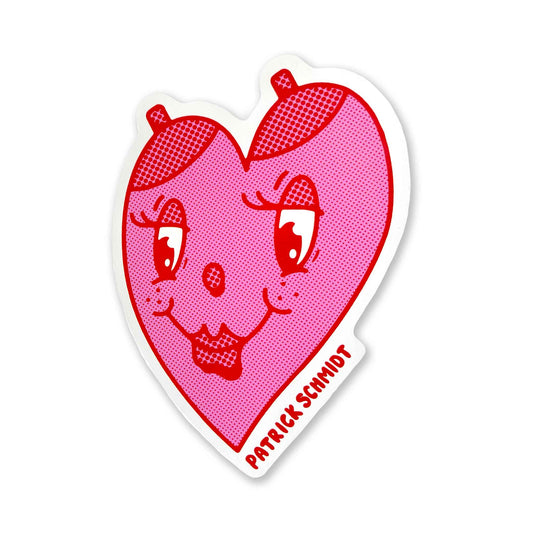

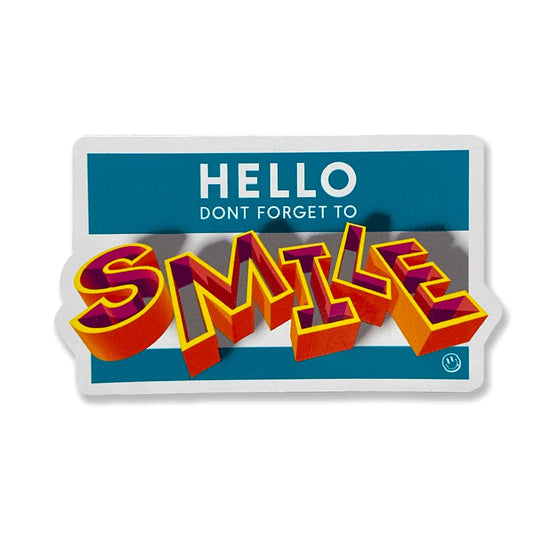

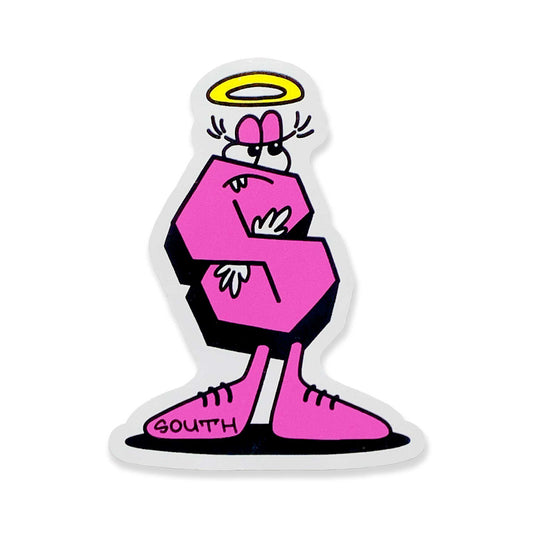

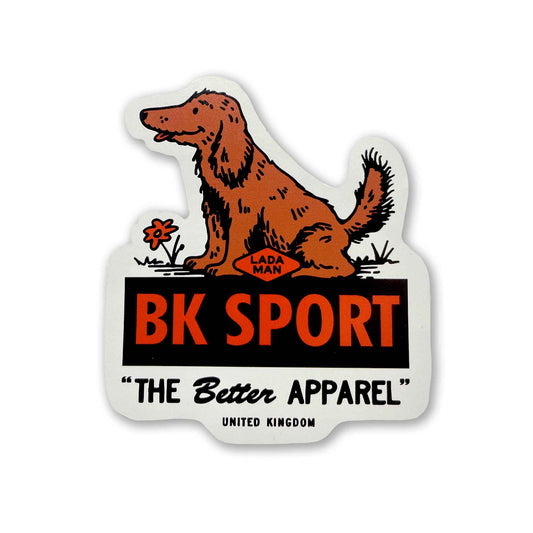

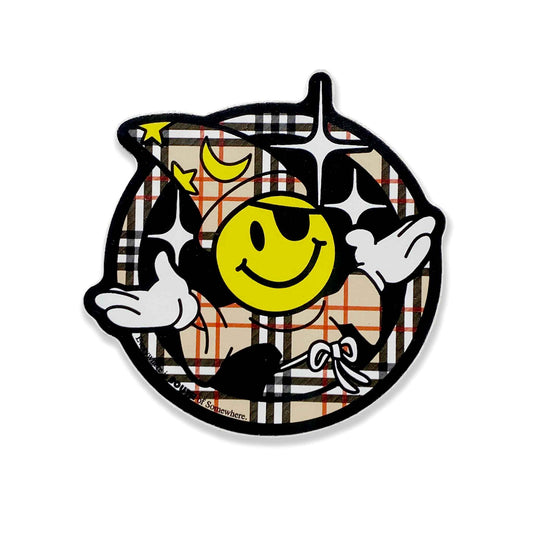

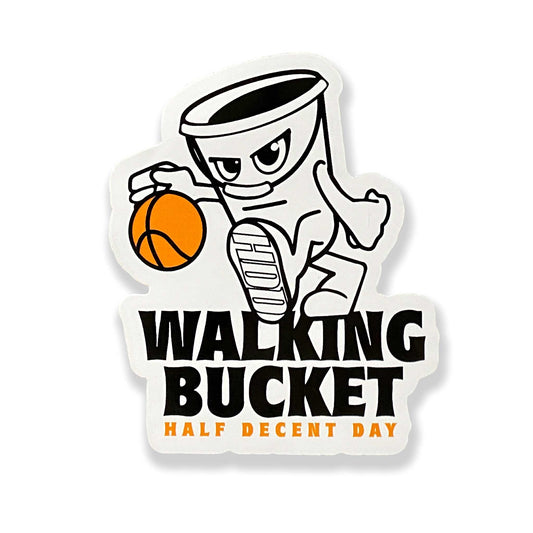

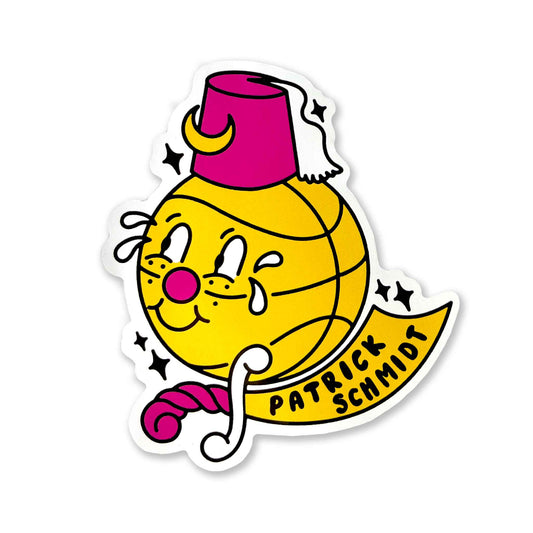
How it works?
-
Set-up your artwork files
The first stage is getting your artwork files set up properly and to the correct size. Remember to include a cutline for each design.
Click this link for more info, or get in touch if you are unsure about anything and we can help you get things dialled in before uploading the files.
Get in touch using this email address: print@donelondon.co.uk
-
Placing your order
To order, select the sticker option with the correct quantity then, simply enter the width and length of your sticker, choose the cut shape, upload your artwork(s) and let us know how many different designs you have. Nice and easy!
There is also a "Customer Notes" section at the bottom of the ordering page to add any relevant infomation.
Or, if you prefer, you can email the artwork files separately after placing your order. Remember to include your order number.
-
Printing your stickers
Before we start printing your stickers, a proof-sheet will be sent over to you for approval. We won't print anything until the proof is signed off and you are 100% happy with all the specs.
Once approved, we will print, pack and ship your order.
The whole process can take between 5-7 working days, depending on our current workload.
FAQ'S
What are your turnaround times?
We endeavour to ship orders out in 5-7 working days.
Do you offer free shipping?
Yes, all bulk sticker orders include free shipping to a UK address.
How many designs can I have per order?
You can have up to 5 different artworks per order. If you need more, you’ll need to place an extra order.
What's the best colour profile to use?
The colour profile in your artwork file needs to be set to CMYK.
What's the best way to size my artwork?
The artwork must be set to the size that it is going to be printed, ie a ratio of 1:1.
What's the best resolution to set my artwork at?
If you are working in Photoshop or another raster graphic based software, the resolution needs to be a minimum of 300 DPI.
If you are working in Illustrator or another vector based software, resolution isn't an issue but best to set the documnet up at 300 DPI.
What is the bleed area cutline?
It is important to include a cut line in your artwork file as it will determine where the sticker is cut.
A 3mm bleed is required for images where the printed design goes right to the edge of the sticker.
Can you help me with a different question?
Yes, if you are confused about anything or have any questions relating to sticker printing, please send us and email and we will gladly help to answer any questions you have.
The email to use is print@donelondon.co.uk